How to Declutter Your Phone in 30 Minutes: A Timed Plan for Storage, Apps and Notifications
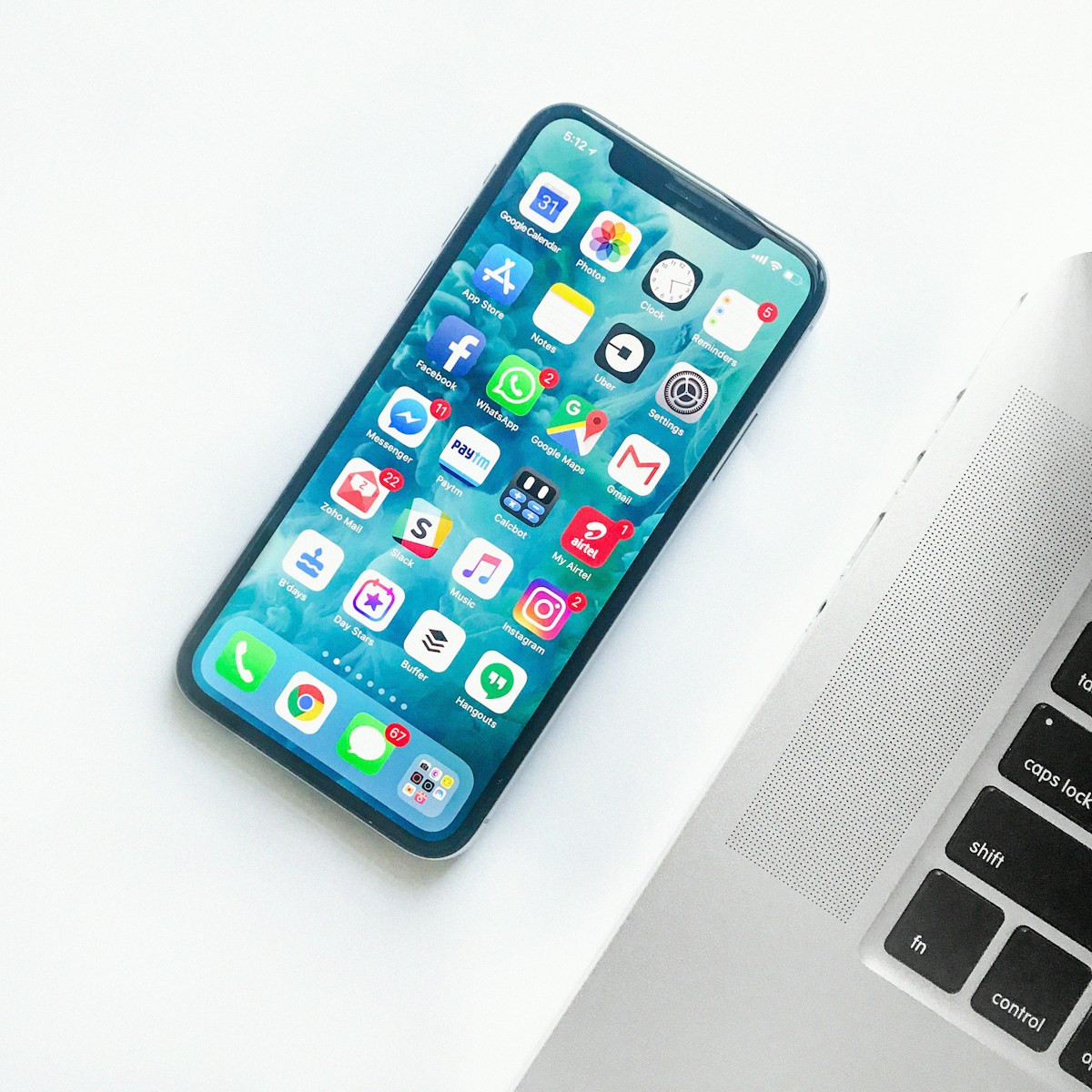
- Primary Signal: How to Declutter Your Phone in 30 Minutes: A Timed Plan for Storage, Apps and Notifications
- Overview: A slow, noisy phone usually just needs a focused cleanup, not a replacement. This timed 30-minute plan covers storage checks, app deletion, cache clearing, notification silencing, ...
- Verification: Analyzed and compiled by SkyFree Living editorial monitoring desk.
Your phone is not slow because it is old. In most cases it feels heavy because it carries months of apps you never open, thousands of photos you never look at, and dozens of apps shouting for attention all day. Every extra app is a small drain on storage, battery, and focus, and together they add up to a device that interrupts you constantly. The fix does not need a weekend. A focused thirty-minute declutter, done in timed blocks, can free storage, silence the noise, and leave you with a phone that serves you instead of demanding from you.
Start by opening Settings and looking at storage. Your phone will show which apps use the most space, and the top three are usually social media, browsers, and streaming apps, because they cache huge amounts of data. Note the biggest offenders and the total free space, so you can compare before and after. This quick audit tells you where the wins are, and it stops you from deleting useful small apps while ignoring the one giant cache eating gigabytes.
Now go through your app list with one rule: if you have not opened it in the last month, delete it. Old games, trial software, duplicate tools, and shopping apps installed for a single sale are the usual suspects. If you hesitate on an app, offload or hide it instead of deleting, so you can bring it back if you truly miss it. Most people find five to ten apps they can remove in this block alone, and each removal also removes its notifications and background activity.
Next, clear the caches of the top storage offenders from the first block. On Android this is a direct setting per app, and on iPhone offloading and reinstalling an app achieves the same effect. While you are here, remove duplicate tools: two cloud storage apps, three photo editors, two calendar apps. Keep the one you prefer and delete the rest. Then open your photos and delete the obvious junk: accidental screenshots, duplicate bursts, and blurry shots. A few minutes here often frees more space than deleting apps did.
Open notification settings and turn off everything except calls and messages from real people. News alerts, game prompts, shopping deals, and social badges can all go, because each one is a small tug on your attention that you did not ask for. Then organise what remains: create three or four folders by function, such as communicate, money, tools, and leisure, and move apps inside. Put only your most-used essentials on the first home screen, and move social media, games, and shopping apps to a second screen or a folder, so opening them becomes a choice instead of a reflex.
Return to the storage screen and compare with your starting number. Most people recover a meaningful amount of space in this half hour, and the phone usually feels faster simply because fewer apps are competing in the background. Finish by setting a monthly reminder for a fifteen-minute maintenance pass: delete new unused apps, clear the biggest caches, and review notifications again. Decluttering is not a one-time event, because apps accumulate gradually, and a short monthly habit keeps the phone from sliding back.
A fast declutter still needs care. Do not delete tax or financial documents, original family photos, account recovery information, or legal files in the rush. Back up photos to a cloud service or a computer before deleting them from the phone, and check that your backup actually completed before you free the space. If you are unsure about an app, hide it rather than deleting it, and revisit it in two weeks. The goal is a lighter phone, not a frantic search for a file you needed.
Thirty minutes is enough to change how your phone feels every day. Fewer apps, fewer notifications, more free space, and a home screen that shows what you actually use. Do the timed pass today, keep the monthly habit, and enjoy the small daily relief of a device that stops shouting and starts serving.
📖 Continue Reading the Full Story
Continue reading this article on SkyFree Living.
⚡ Access Full Content NowMore from SkyFree Living


 💎 LuxeLiving 768
How to Check DNS Records of a Domain: A Beginner's Guide
Checking a domain's DNS records takes under a minute once you know the tools. This guide covers online lookup ...
 🎮 GameVault 668
How to Create a Favicon for Your Website Free: A Complete Guide
A favicon is your brand's smallest ambassador. This guide shows how to design one that reads at 16 pixels, gen...
 📦 Free2Rich Vault
The Pay Yourself First Budgeting Method: A Step-by-Step Guide for Beginners
The pay yourself first method flips the usual budgeting order: savings leave your account on payday, and you b...
 ✈️ SkyFree Club
Should Tour Operators Hire, Outsource, or Use AI for Phone Answering?
Hire, answering service, or AI? Honest monthly costs and tradeoffs for tour operators and travel agencies....